Perfect for Home Assistant
Drop in your Home Assistant dashboard URL and get a gorgeous, always-on wall panel for your smart home. Local network and self-signed certificates just work, no tunnels or workarounds needed.
Wallpad turns a spare iPad into an always-on display for the pages you care about: dashboards, calendars, photos, smart-home controls. Mount it, point it at a URL, and let it glow.
7-day free trial · then a one-time $9.99 · no subscription
Most tablets weren't made to stay on forever. Wallpad handles the hard parts, brightness, burn-in, dropped connections, so your display just works, quietly, for months at a time.
Drop in your Home Assistant dashboard URL and get a gorgeous, always-on wall panel for your smart home. Local network and self-signed certificates just work, no tunnels or workarounds needed.
Not just Home Assistant. Point Wallpad at a Grafana board, a shared calendar, a photo slideshow, or any URL. If it runs in a browser, it runs here.
Wallpad leaves Auto-Brightness alone until it actually needs to dim. Smooth ramps up and down mean no jarring flashes as the room changes.
Cap brightness during quiet hours so a bedroom or hallway display never blinds anyone at 3am. Set it once and forget it.
Lost Wi-Fi or a server hiccup? Wallpad shows a calm retry screen and reconnects on its own every few seconds, no walking over to poke the screen.
When idle, fade to an elegant dimmed clock instead of a bright static page, gentle on the eyes and on the panel.
Pair with iOS Guided Access or Single App Mode to bolt Wallpad to the screen: no accidental swipes, no wandering out of the app.
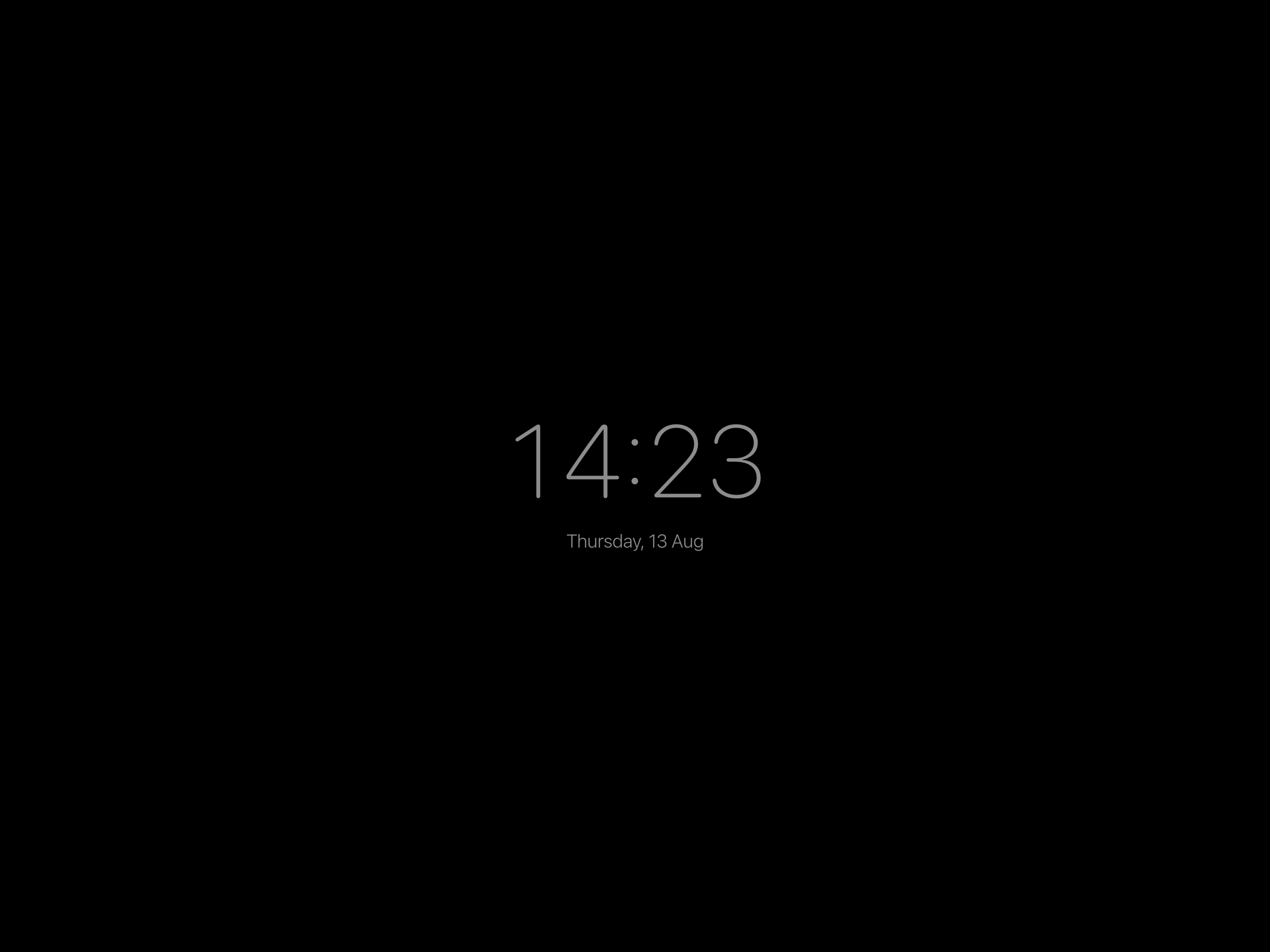
Your page stays up around the clock. When nobody's interacting, Wallpad can gently dim, or drift into the clock screensaver, then snap back to full at a tap.
Wallpad uses the front camera to sense motion in the room. Walk up and the display wakes; walk away and it rests. All processing happens on-device, no images ever leave your iPad.
Wallpad has no account, no analytics dashboard watching you, and no cloud that your data passes through. It shows your page and gets out of the way.
Motion detection runs entirely on-device at a low frame rate. Frames are compared and discarded, never saved, never sent anywhere.
There's nothing to sign up for. Wallpad doesn't build a profile on you or phone home with your browsing.
Works on your local network and even accepts self-signed certificates, so home-lab dashboards load without a hitch.
Start with a 7-day free trial. When it ends, a single unlock turns Wallpad on for good. No subscription, ever.
Requires iOS 16 or later. Trial and unlock managed by the App Store.
Give that old iPad a second life. Beautiful, private, and always on.